Product catalogue
Organise products by category, range and SKU.
The catalogue can support variants, ranges, SKUs and categories. Its structure follows your actual assortment and how customers search.
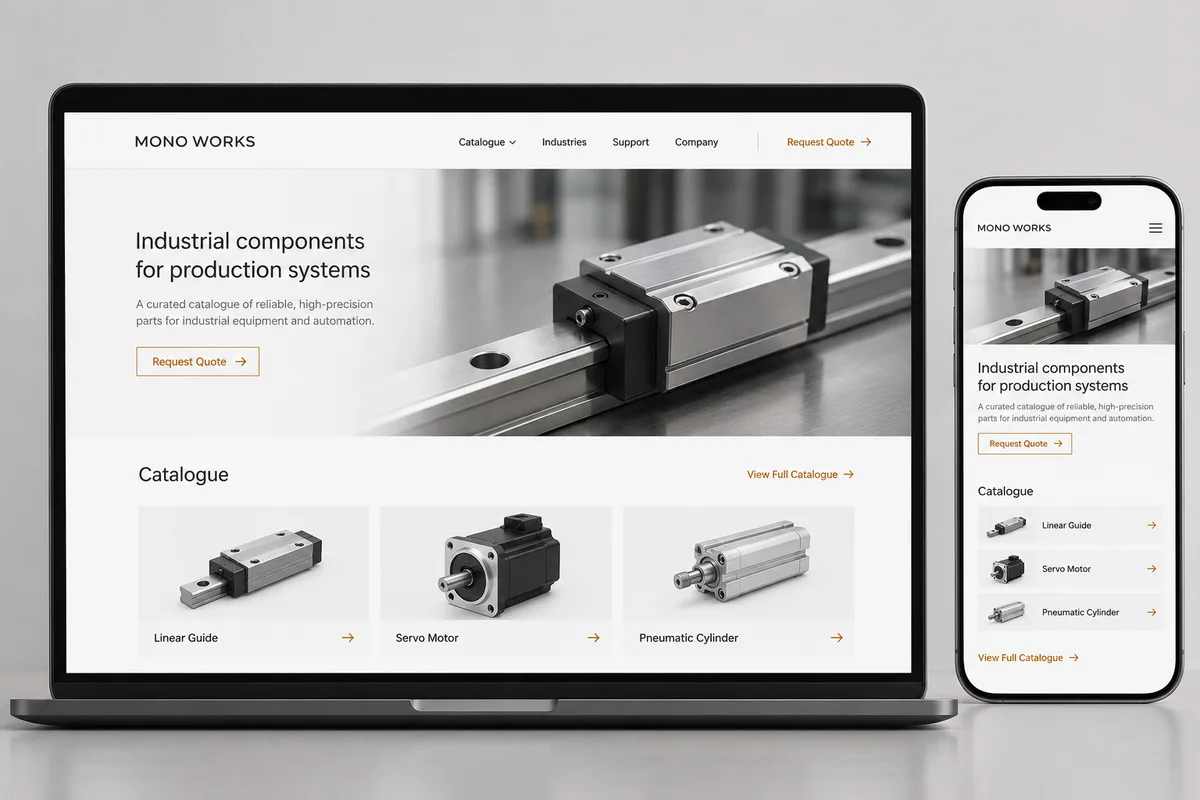
Organise products by category, range and SKU.
The catalogue can support variants, ranges, SKUs and categories. Its structure follows your actual assortment and how customers search.
Filters, specifications, documentation and downloadable files.
Products can include drawings, specifications, compatibility and technical files, with search and filters for comparison.
Buyers request quantities, delivery times and a quote.
Buyers can specify quantities and details for multiple items in one enquiry so your sales team can prepare a quote.
Optionally add wholesale roles, price lists and purchasing rules.
After agreeing roles, restrict wholesale prices, enable bulk orders and configure separate dealer rules.
The basic website starts at €500 and includes: Product catalogue, categories, specifications and quote requests. Quoted separately after assessing requirements: Tiered B2B prices, automated imports, ERP, inventory and dealer accounts. Domain, hosting and paid third-party licences are not included. We confirm the scope and final quote before starting.
A basic catalogue presents products and collects enquiries. Wholesale commerce, imports, ERP/CRM and inventory integration are scoped separately.
Manufacturing buyers search by SKU, material, dimensions and application. Catalogue pages need specifications, technical drawings, downloadable documents and clear options, not a generic sales pitch. Separate dealer enquiries from retail buyers because minimum order quantities, quotations and price visibility often follow different rules.
Manufacturers need reliable SKUs, specifications, options and a quick route to bulk enquiries, not merely many product pages. Decide which prices are public, which belong to dealers and how stock information is updated.
Define the product taxonomy and variant relationships before building filters or imports. ERP synchronisation requires a documented API, update frequency and rules for conflicting identifiers. A quotation basket can let a purchasing manager request multiple lines without forcing a retail checkout. Agree which figures are public and which require authorised dealer access.
B2B search pages should follow genuine ranges, specifications and use cases rather than copy-pasted SKU descriptions. Test variants, PDF downloads, mobile filtering and the enquiry handoff. Publish actual certifications and manufacturing capabilities only when verified; avoid claiming compliance or production capacity the business cannot substantiate.
Manufacturers often serve different journeys: a retail buyer compares finished goods, a dealer requests wholesale terms and an engineer needs specifications or drawings. Catalogue architecture should meet each need without duplicate products or confusing stock codes. Agree product families, filters, units, materials, certificates and access to technical downloads. When price depends on quantity or configuration, a structured request for quotation may be more honest than an unsupported instant-buy button. Genuine factory images and verified technical documentation establish credibility more effectively than generic stock photography.
Imports require explicit SKU, variant, attribute, image and discontinued-product rules. If ERP, inventory or CRM already exists, check which system owns prices, whether client groups change terms and how often availability is updated. B2B areas may need roles, negotiated price lists, minimum quantities, credit arrangements and manager approval. Test specification filters, wide comparison tables on mobile, technical downloads, custom-product enquiries and failures in a stock feed. A reliable catalogue should show when availability is indicative rather than promise stock that an external system has not confirmed.
Prepare an accurate service or product list, real locations and contact details, up-to-date prices or quotation rules, rights-cleared media and someone to approve the facts. Confirm whether an existing CRM, calendar, stock system or other tool provides a documented API. Unknown integrations are assessed first, not included as an unsupported promise in a proposal.
Test mobile tasks, key-template performance, forms, notifications, contact routes, internal links, sitemaps, canonicals, language URLs and indexing readiness. Check exceptional conditions too: incomplete fields, unavailable slots or items, repeated requests, failed payment and external service outages. Analytics should capture meaningful enquiries and completed actions, not merely page views.
We agree the main pages and customer journeys first, then move through layout, content, integrations and end-to-end testing. The owner can update material in WordPress after handover. Timing depends on approved assets and checked integrations; we do not advertise an arbitrary universal three-day launch.
A starting guide for this category is €500. Basic scope: Product catalogue, categories, specifications and quote requests. Scoped separately: Tiered B2B prices, automated imports, ERP, inventory and dealer accounts. Domain, hosting and third-party paid services are agreed upfront; external accounts belong to the client.
Yes, after reviewing the source catalogue, SKUs, specifications and images. We test field mapping on a sample before estimating the full import and recurring updates.
Yes. A B2B solution can use partner roles, individual price lists and minimum quantities. Registration, price visibility and ordering rules are agreed first.
Yes. Buyers can select items, quantities and specifications and submit a quote request. Wholesale carts, direct sales or inventory integrations can be added when needed.
Tell us about your business and the functionality you need.
Message on WhatsApp ↗